
Remote work and home
Work-from-home camera monitor: keep an eye without blocking your screen
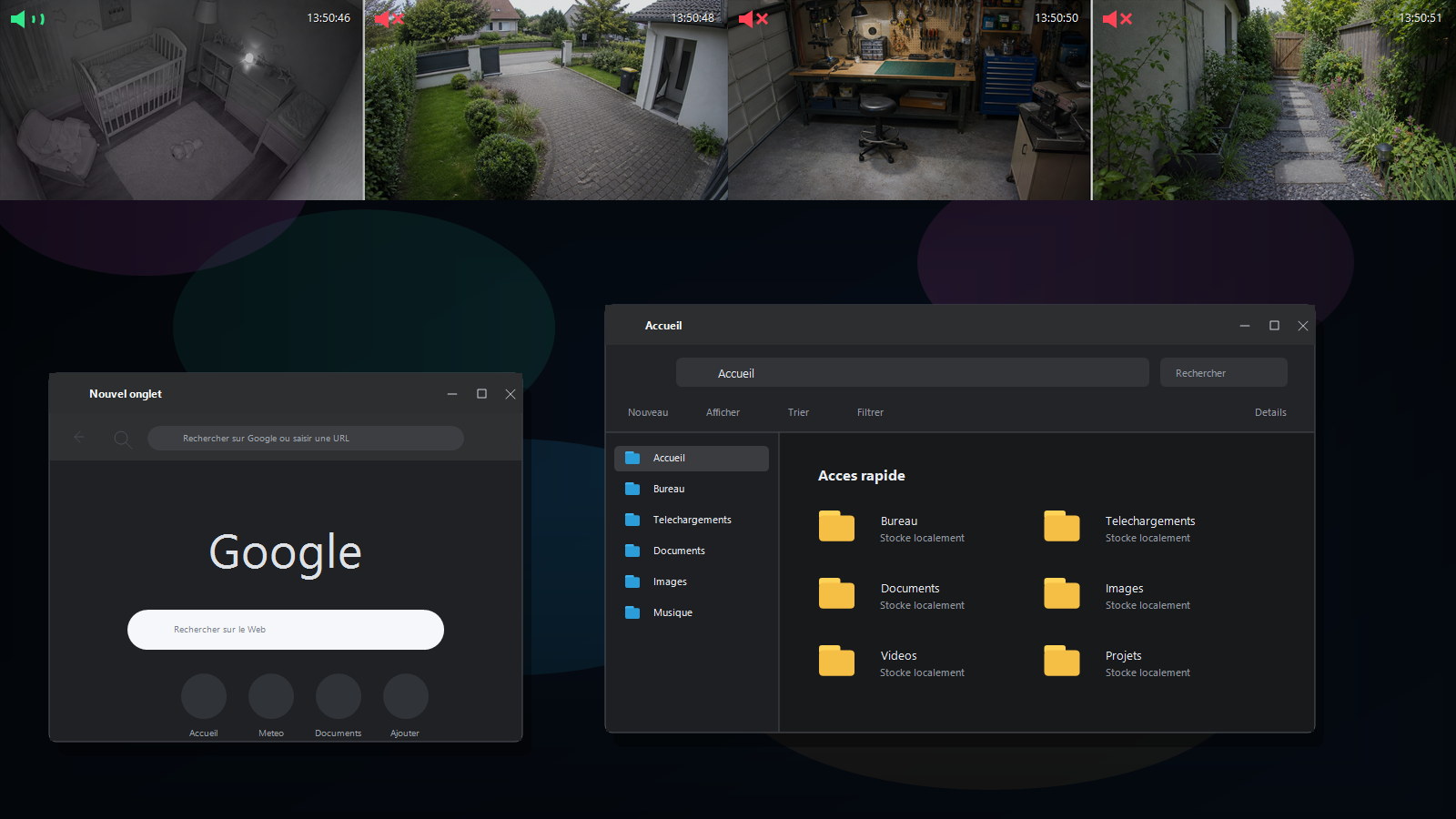
When you work on a computer, opening a camera app full-screen is rarely convenient. A small view in the corner can be enough to watch an entrance, pet, driveway, delivery or workshop without interrupting what you are doing.
The problem: the camera takes too much space
On a phone, the camera app often blocks the screen you need. On a PC, a camera page can be too large, hide behind another window or require too many manual adjustments. For a quick glance, that is frustrating.
Natural use cases
- Entrance or driveway: quickly see whether someone arrives during a meeting.
- Pets: keep an eye on a dog, cat or outdoor area.
- Workshop or garage: follow a machine, 3D print or delivery.
- Home: keep a discreet view of an important area while you work.
What to avoid
A camera on your PC should not become a source of stress or replace human supervision when it is required. RTSP Overlay helps display a view. It does not replace a baby monitor, alarm, adult presence or certified security system.
Why an always-visible window helps
The best compromise is often a small, clean, adjustable window that stays visible. You can continue working, keep your phone free and glance at the camera when it is useful.
Test with your own cameras
Every camera and every home setup is different. Some cameras provide a local stream, while others depend on a third-party service. RTSP Overlay's full 14-day trial is designed to check compatibility before you buy.